
Shiying
Paste a link. Save the video. Watch it on this device.
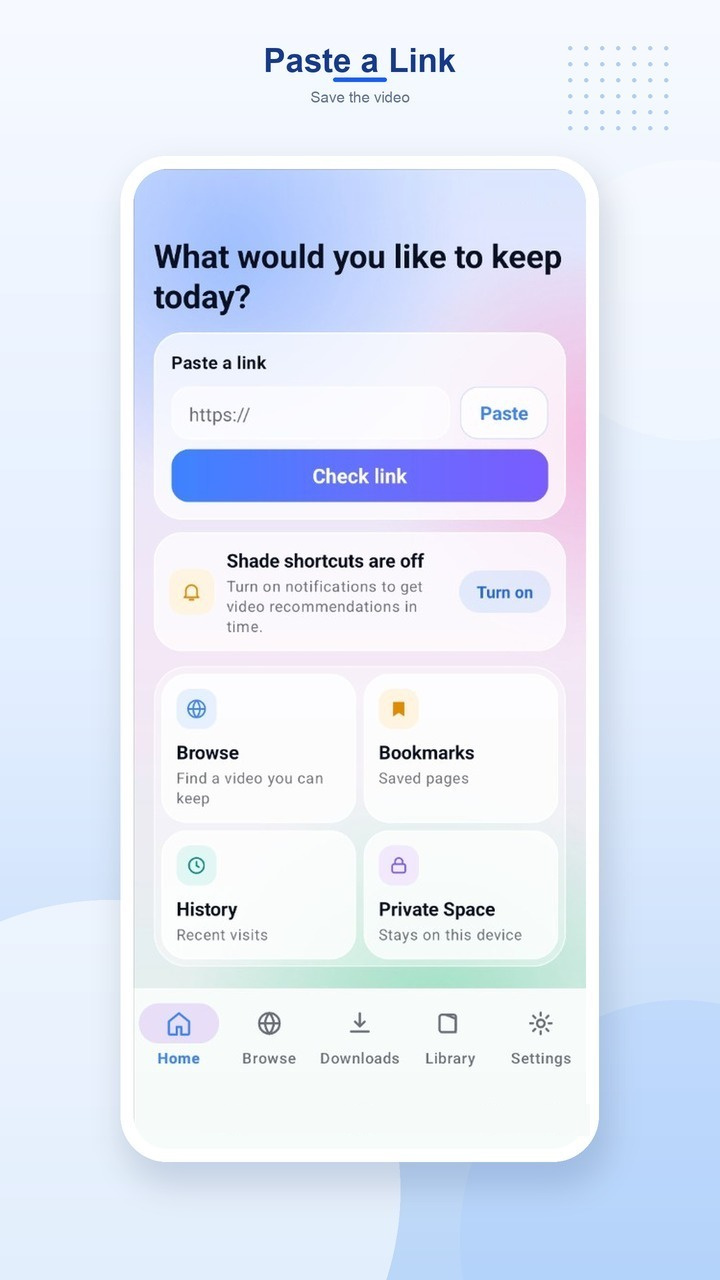
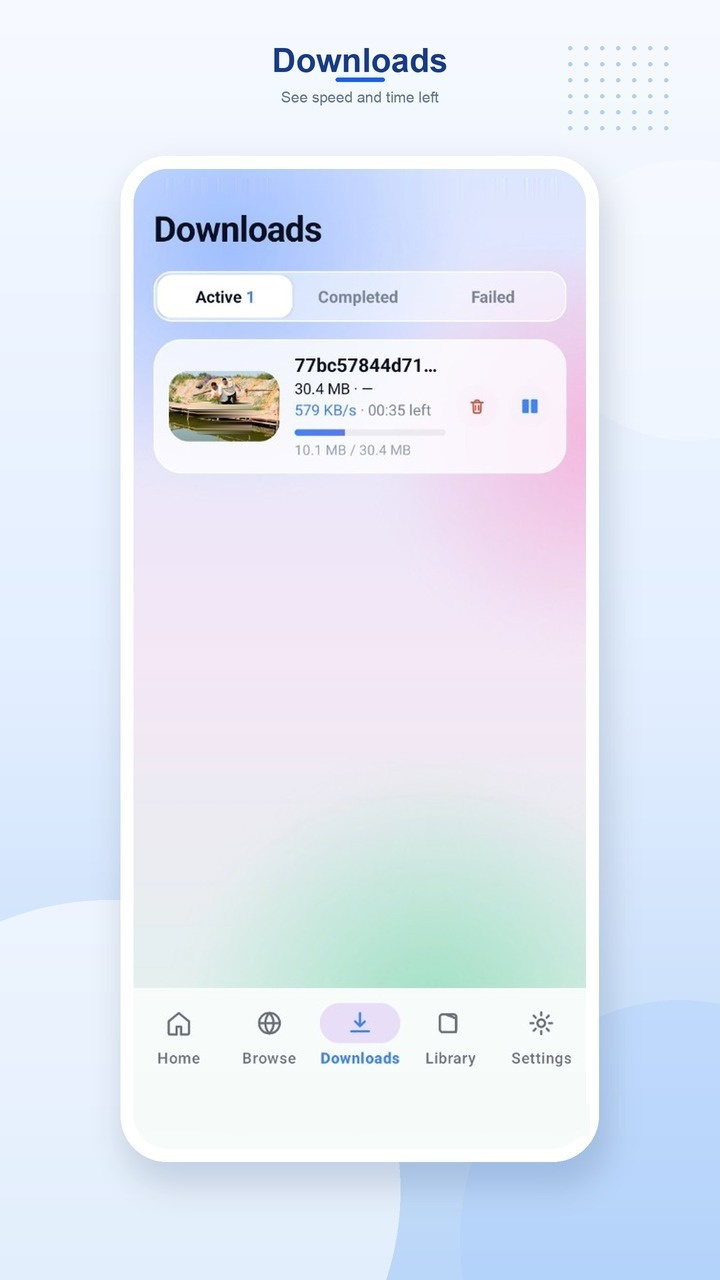
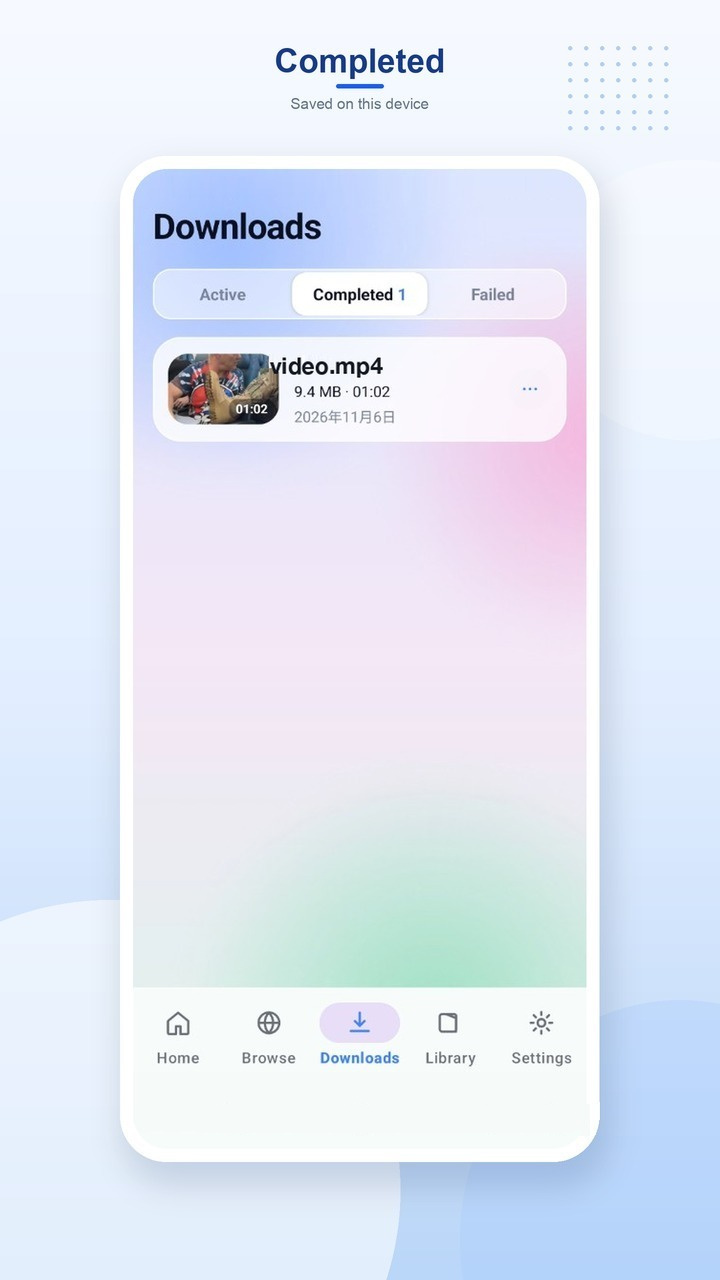
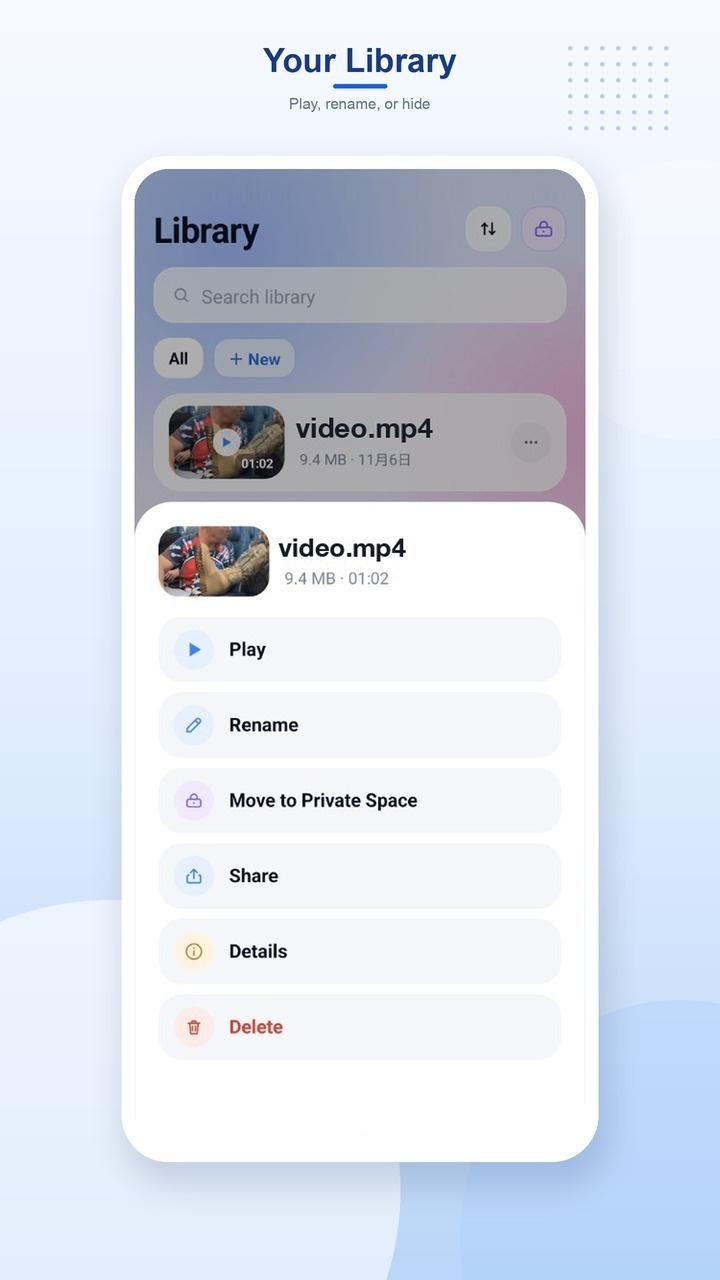
Shiying saves videos from a page you open onto this phone. Paste a link, pick a quality, and keep the file in Downloads/shiying. Your library lets you play, rename, or move a video into Private Space, where it stays on the device behind a PIN.
Main features:
-
Paste a linkCopy a page address, paste it, and choose the quality you want to save. You can also open the page in the built-in browser.
-
DownloadsSee speed and time left while a file is saving. A download can keep going after you leave the screen, and it resumes from the part already saved.
-
Completed on this deviceFinished videos are stored in Downloads/shiying. Open one to play it, or find it again from your library.
-
Library and Private SpacePlay, rename, or hide a saved video. Private Space keeps files in the app, encrypted on this device, and asks for your PIN before they open. They are not shown in the gallery.
Why choose Shiying:
- Paste a link and save the video without a complicated setup.
- Choose a quality, then follow speed and time left until it finishes.
- Watch saved videos offline from your library.
- Move a file into Private Space when it should stay on this device.
Please note:
- Shiying is not affiliated with, or endorsed by, any website or video service.
- Save only videos you have the right to keep. Protected streams are refused. Redistributing someone else's work without permission is your responsibility.
- Bookmarks, history, the download list, and Private Space files stay on this device. You can clear them in Settings.